Real-Time Availability for Social Planning
UX Director / Product Designer @ ScheduLink
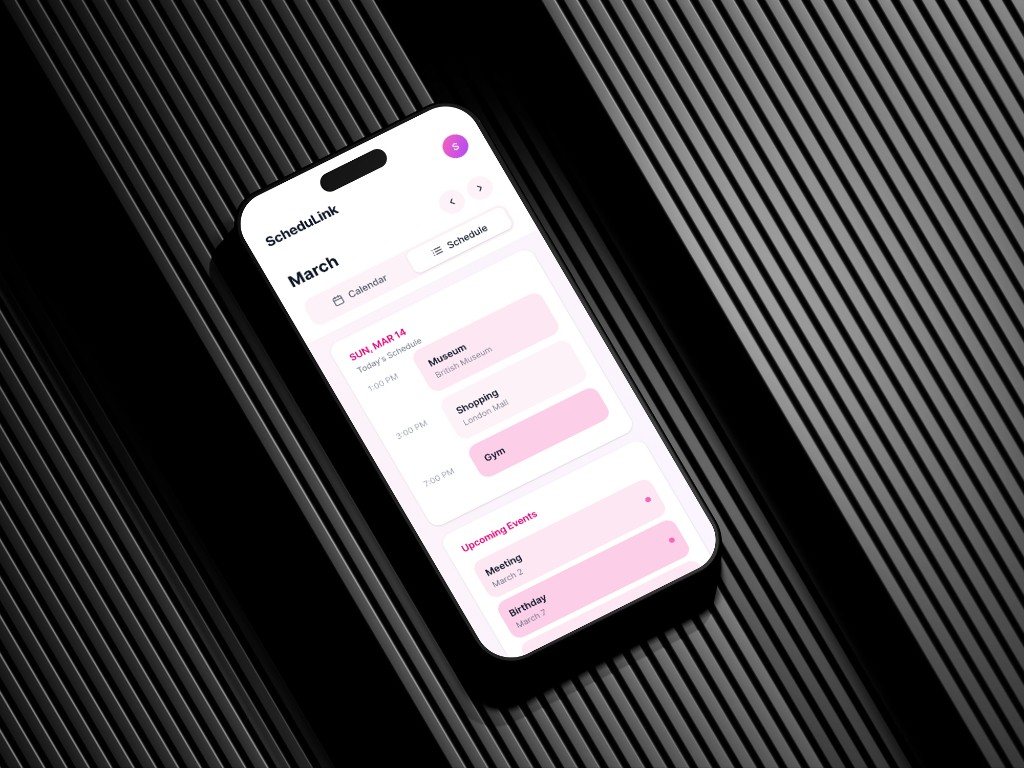
ScheduLink is a social scheduling app for college students. My focus was on defining the core interaction system and building a flexible calendar structure that powers spontaneous connections.
01 · The problem
Texting Back and Forth but Schedules Never Align
Students need to see overlap, but won't share their entire calendar
Privacy settings need to be present but not intrusive
Schedules vary wildly (8am classes vs 9pm shifts), displaying them cleanly is hard
Students today juggle multiple scheduling tools
Students are forced to switch between apps, manually compare information, and re-enter the same details.
02 · Framing
How might we share availability without increasing social pressure or complexity?
03 · Ideation
Wireframe Exploration
Testing how schedule input, privacy controls, and availability states connect in a low-friction onboarding flow.
Onboarding Flow
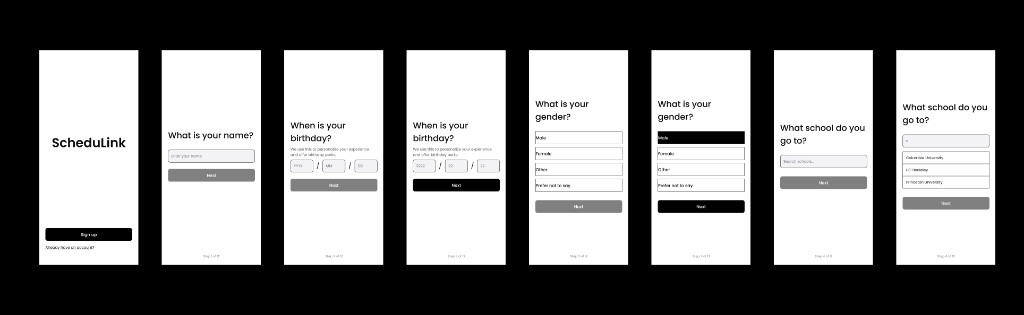
Progressive onboarding flow collecting essential user information with minimal friction.
Exploring ways for students to quickly input class schedules with minimal friction.
Testing visibility options so users can control what parts of their schedule others can see.
Designing lightweight status states to help friends quickly see when someone is free.
04 · Design system
Calendar as Personal Expression
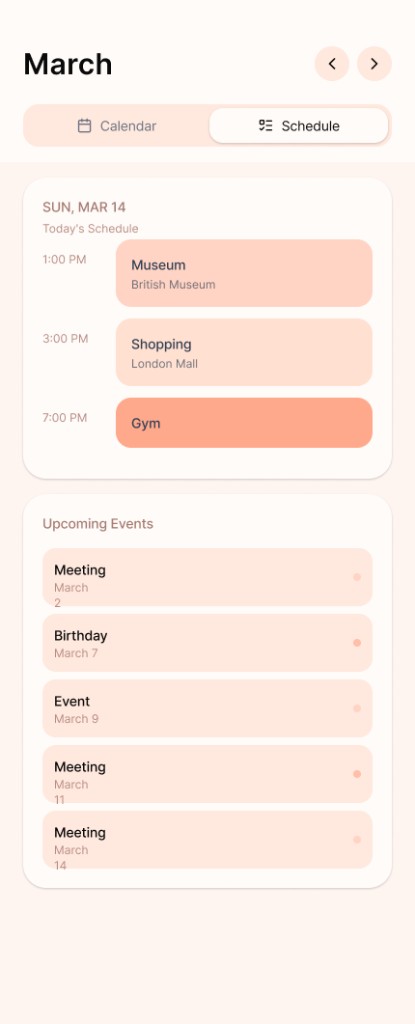
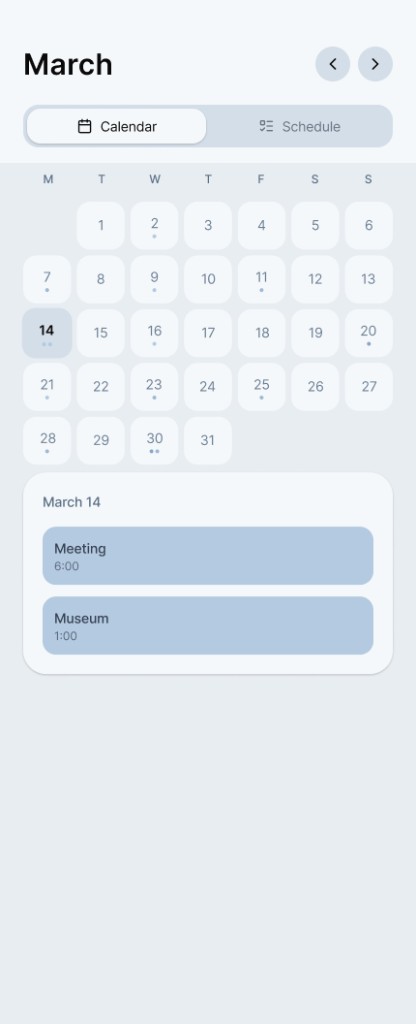
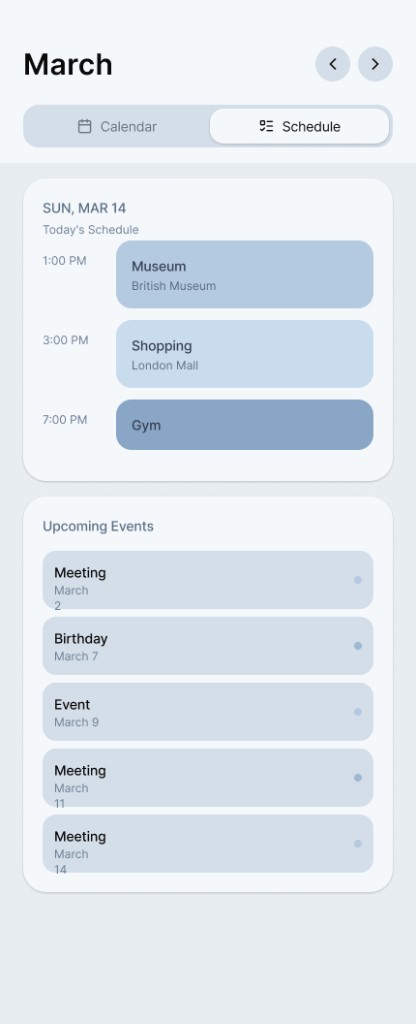
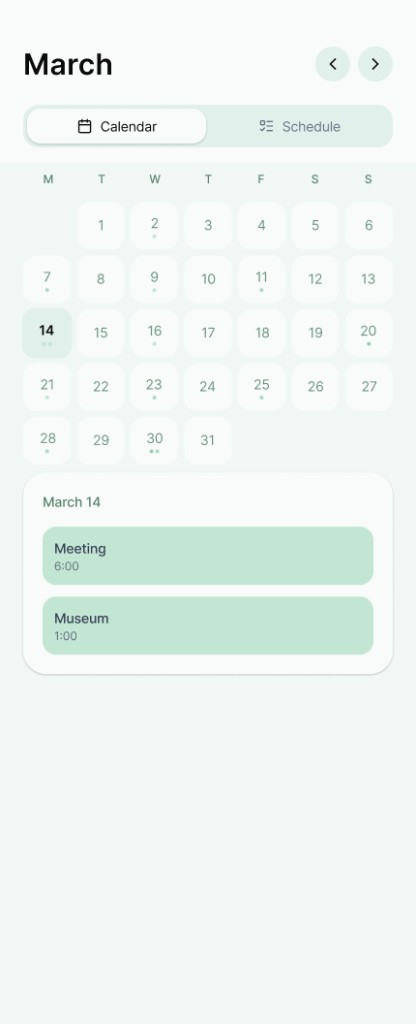
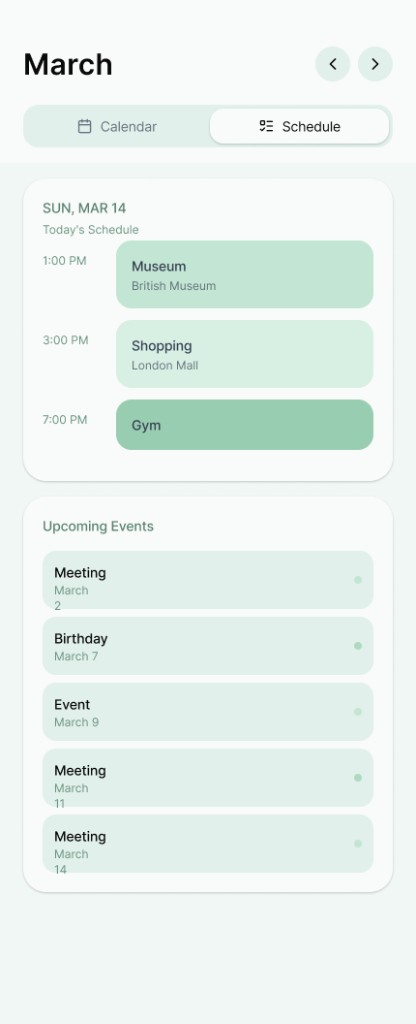
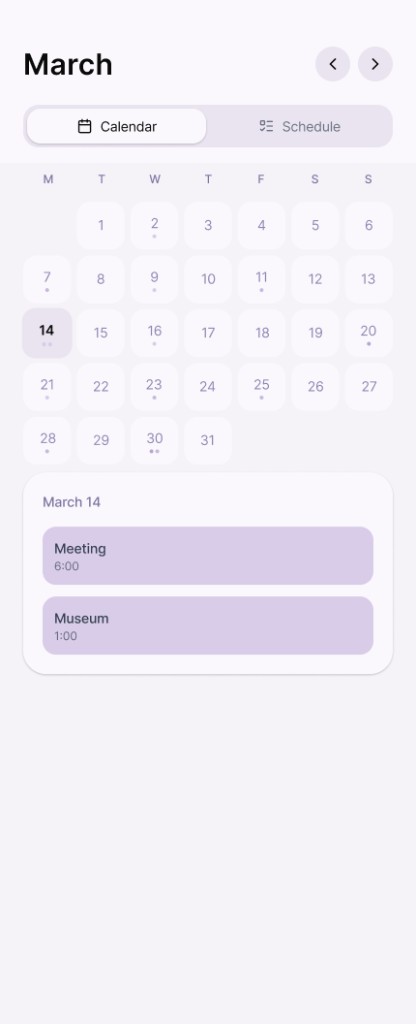
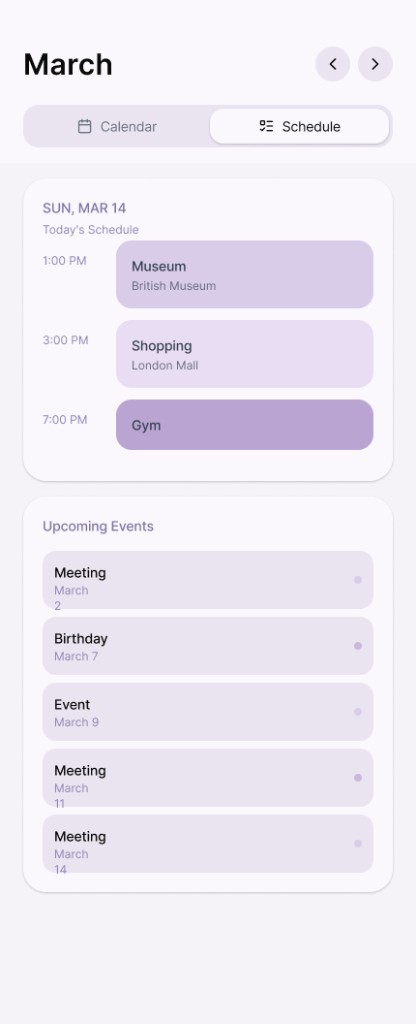
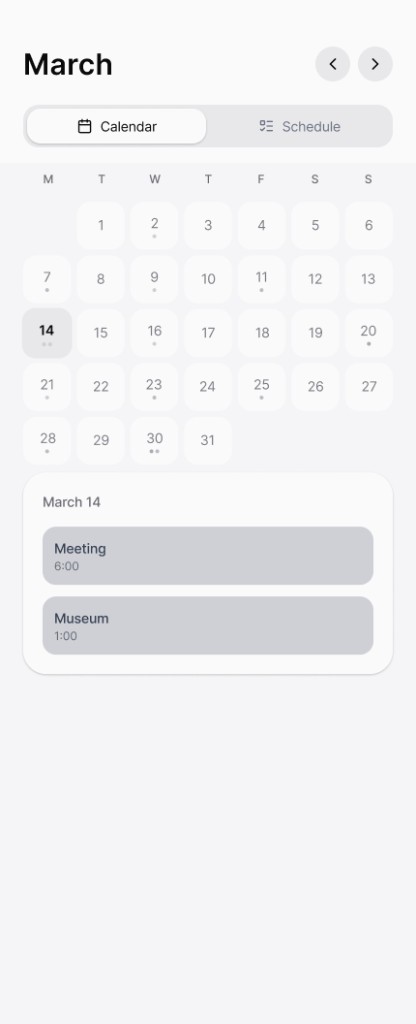
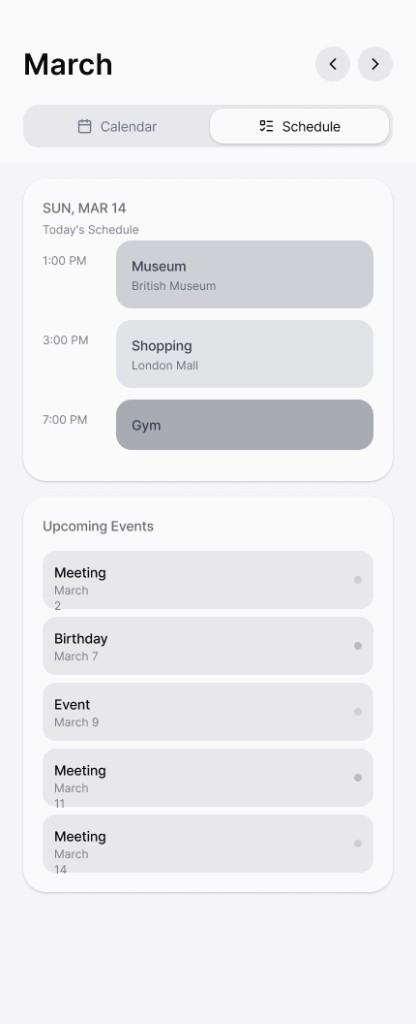
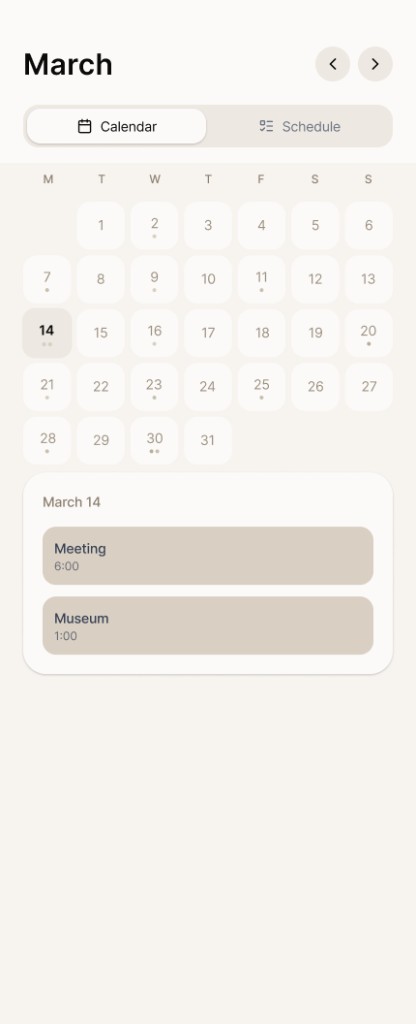
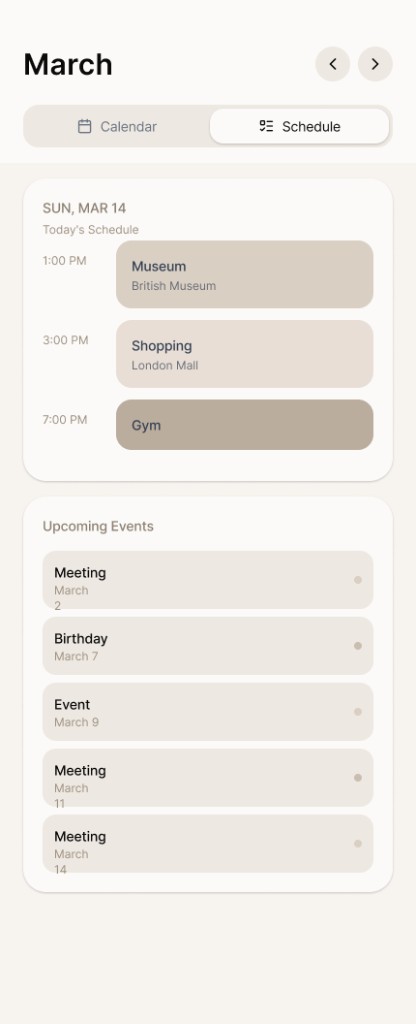
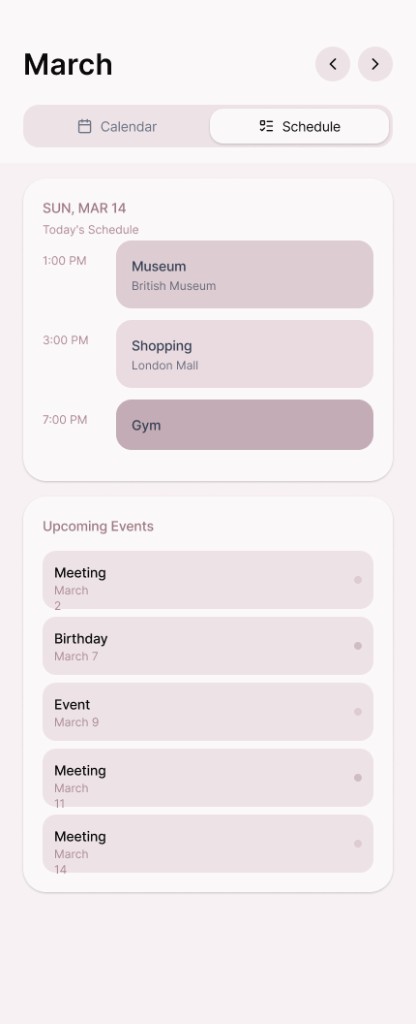
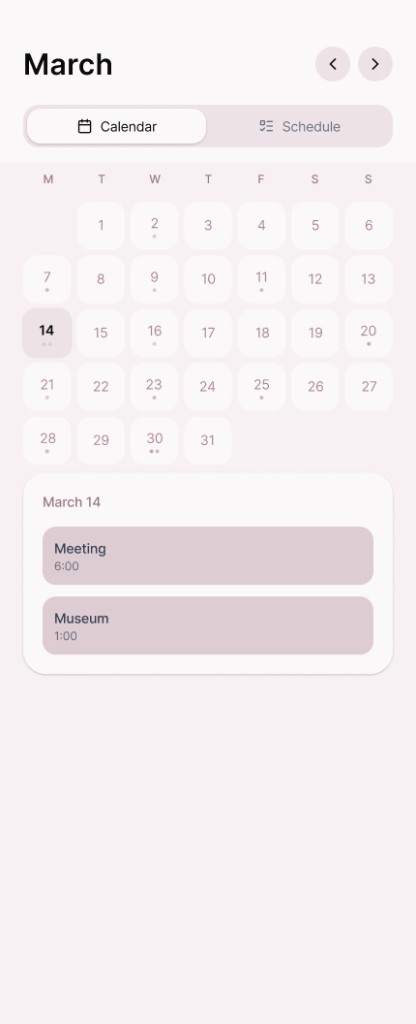
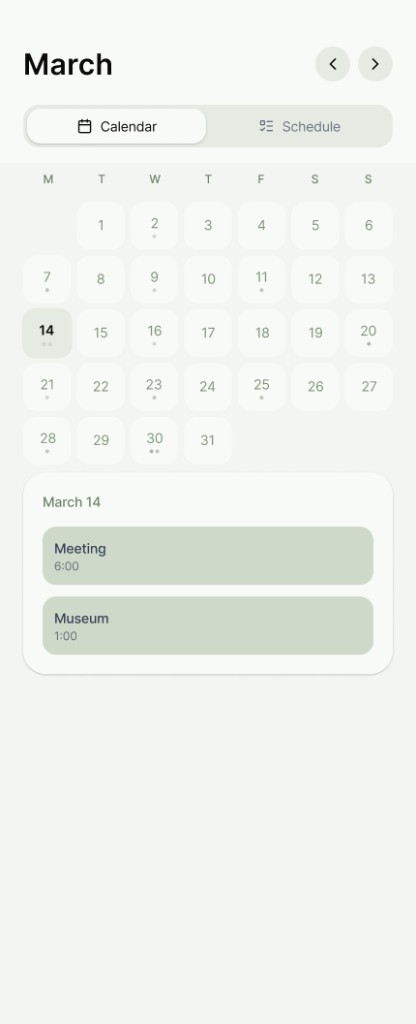
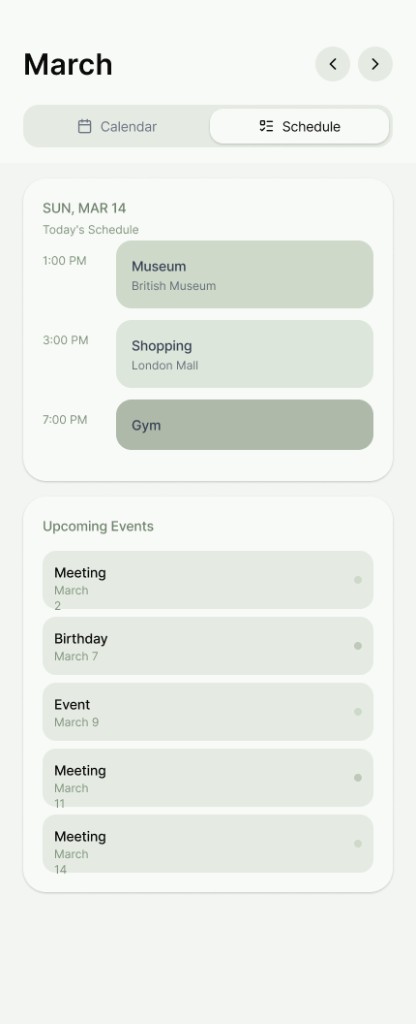
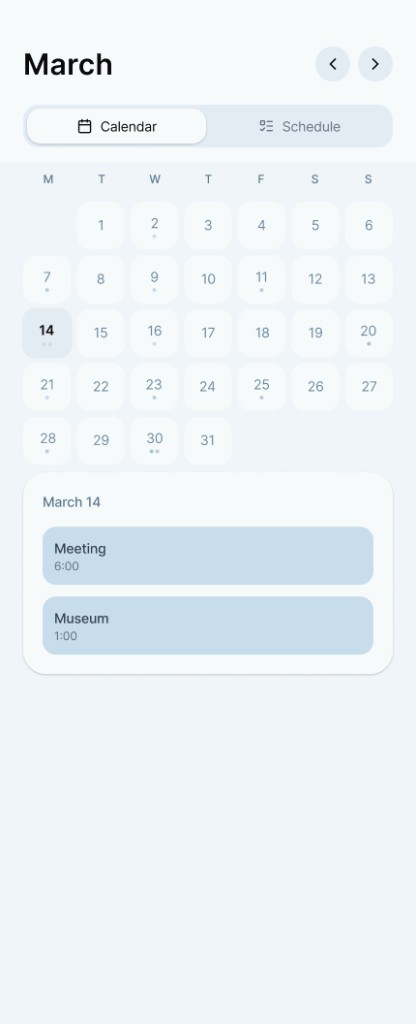
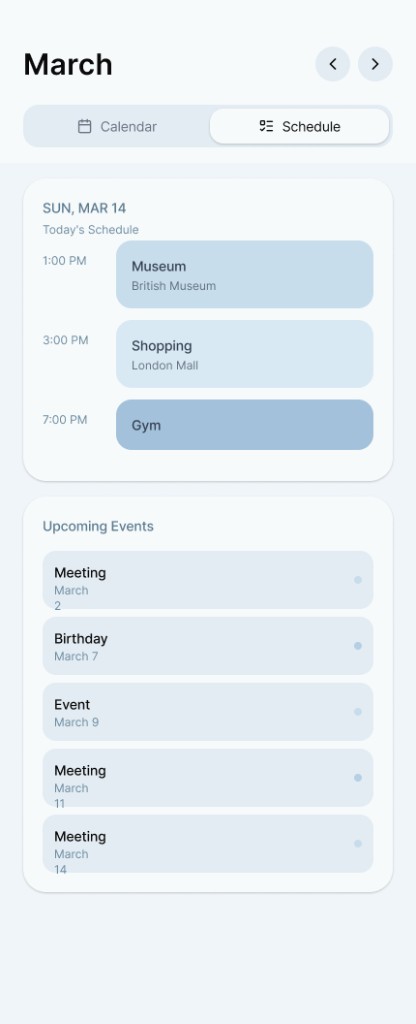
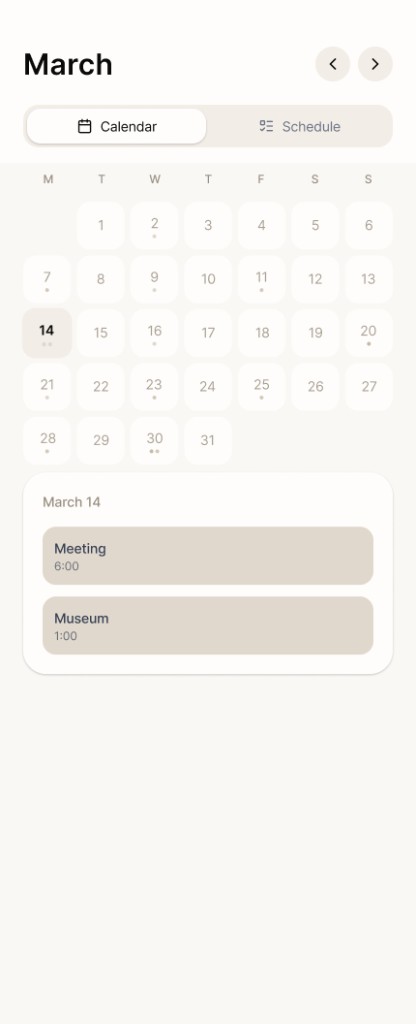
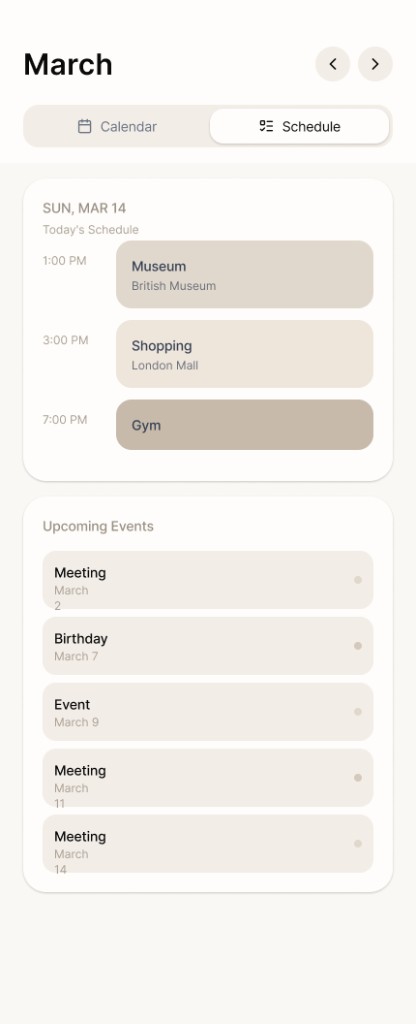
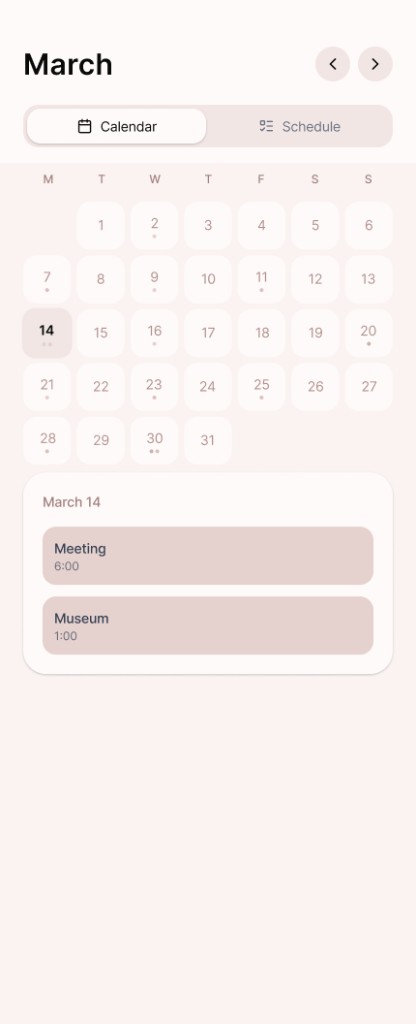
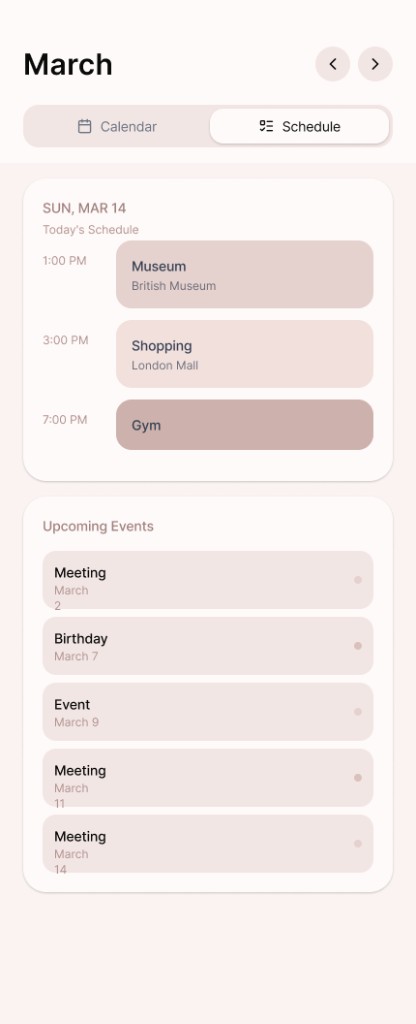
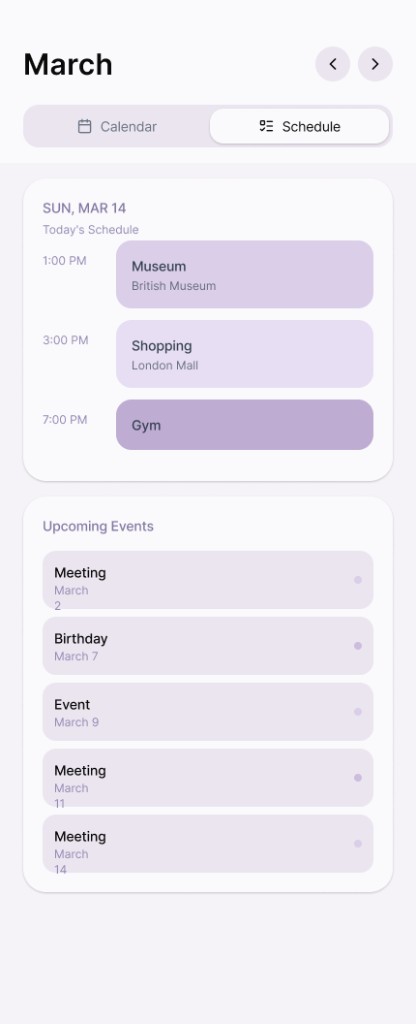
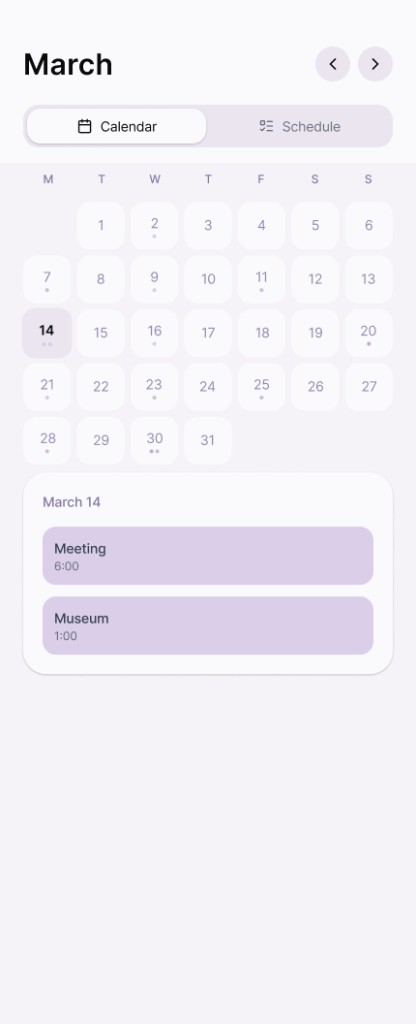
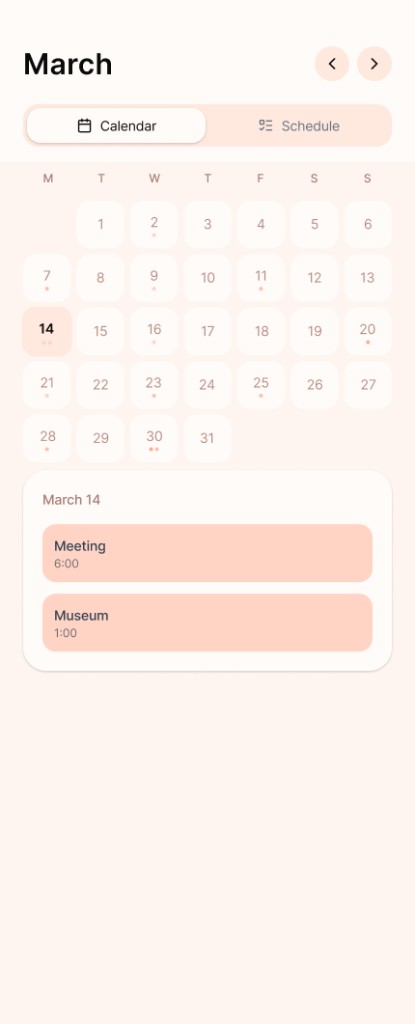
24 customizable color themes
Customizable calendar themes allow users to personalize their schedules through color and layout variations. All themes operate on the same structural framework and design system.
05 · Final designs
High-Fidelity Screens
Home
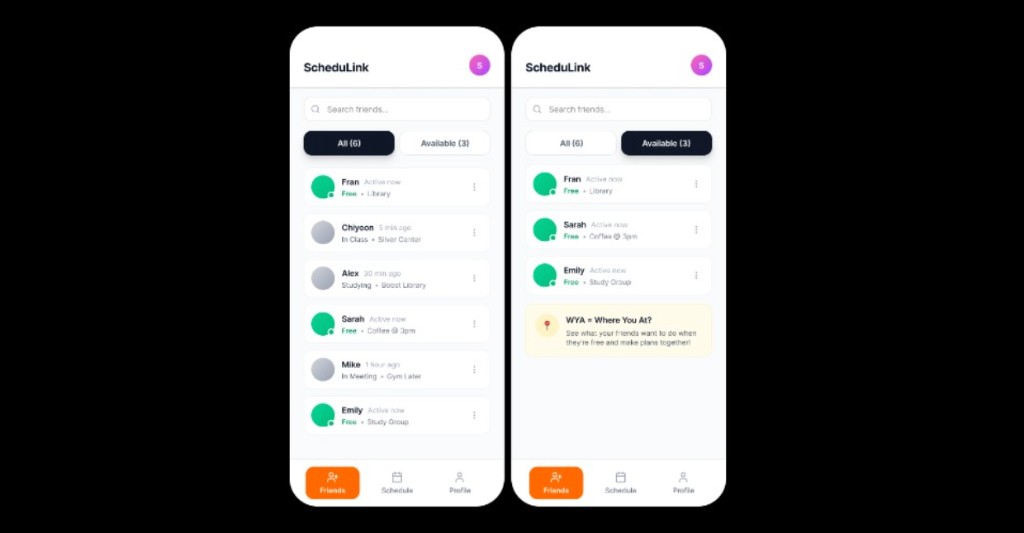
The Home tab surfaces real-time availability across your close network.
Profile
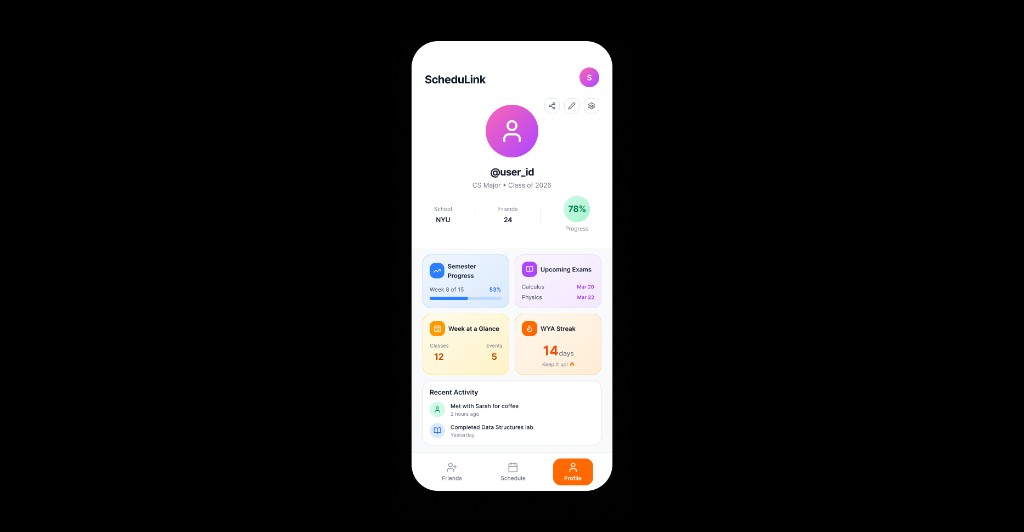
The Profile tab focuses on personal progress and context. It provides users a quick overview of their academic rhythm.
06 · Takeaway
Key Reflection
Designing ScheduLink pushed me to define how schedule data, privacy rules, and social visibility interact. The most challenging part was balancing flexibility with clarity, especially when introducing multiple calendar themes without breaking structural consistency.
This project strengthened my ability to design interaction models that remain stable even as visual expression evolves.
Continue
View all projects